

Delete your account
Request account deletion with a 14-day grace period, and cancel anytime during the window by signing back in.
If you no longer need GBpass, you can delete your account directly from the app. Deletion is not instant: GBpass uses a 14-day soft delete, which gives you a safety window to change your mind before anything is permanently removed. This guide walks you through requesting deletion, what happens during the waiting period, and how to restore your account if you decide to stay.
Before you delete
Deleting your account removes your entire Vault, including every login, note, and file attachment you have saved. If there is anything you want to keep, take care of it first.
- downloadSave a copy of your data first with Export data if you want an offline backup.
- shareReview anything you have shared so collaborators are not left without access. See Manage access.
- keyHave your Master Password ready, because you will be asked to verify it to confirm the request.
- verifiedCancel your Personal subscription in Google Play first if you have one. Deleting your GBpass account does not stop Google Play billing on its own. See Manage your plan & billing.
1. Open the Delete Account screen
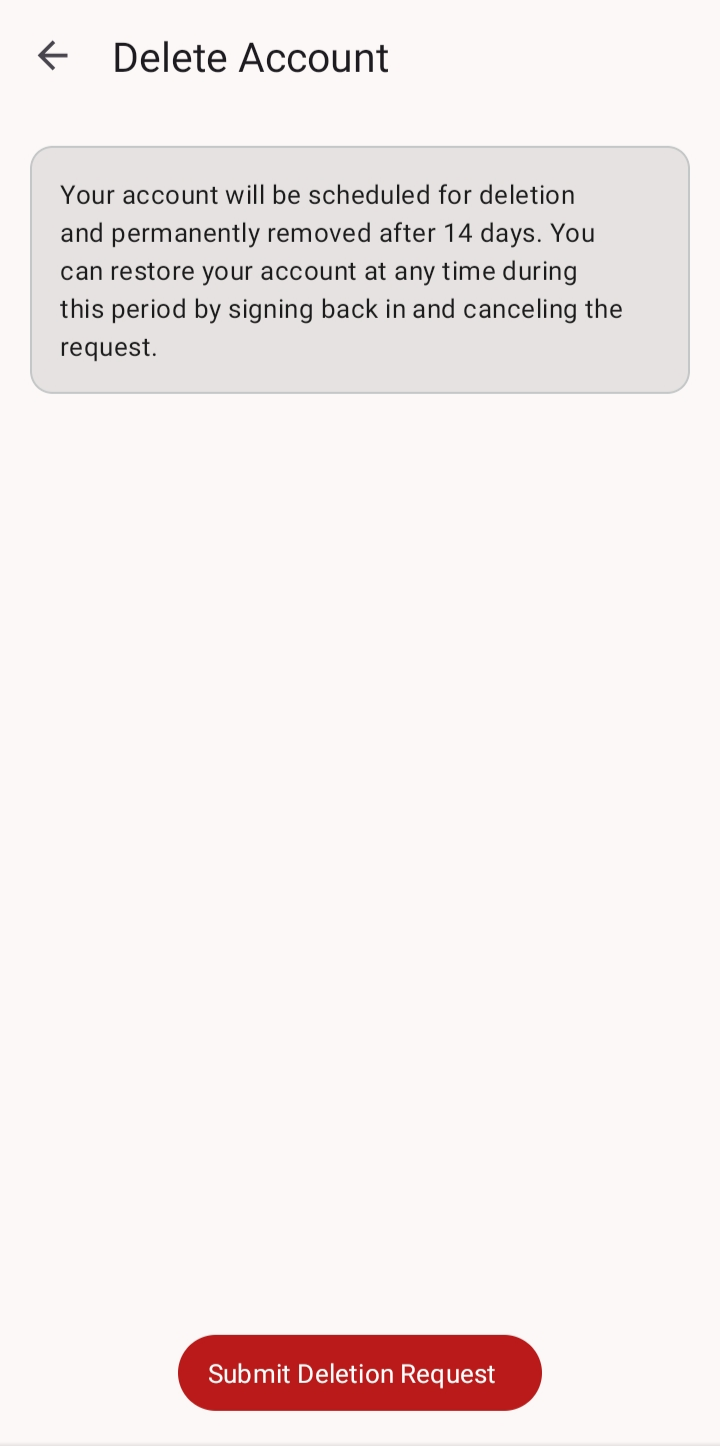
In GBpass, go to Settings, then Account, and tap Delete Account. This screen explains the 14-day window and lets you start the request.
2. Submit your deletion request
Tap Submit Deletion Request. To make sure the request is really coming from you, GBpass asks you to verify your Master Password, then confirm.
3. Change your mind? Restore your account
During the 14-day window your account is only paused, not gone. You can bring it back at any time before the window ends.
- arrow_forwardSign back in with your usual sign-in details.
- checkChoose Cancel Account Deletion to keep your account and all of your data.
warning After the 14-day window ends, deletion is permanent and your data cannot be recovered. There is no way to restore an account once it has been fully removed.
Full policy and help
For the complete details on how account deletion is handled and what data is removed, read our account deletion policy. If you have questions before you decide, feel free to contact us.
Related articles
Still need a hand?
Browse the Help Center FAQ or contact our support team.