
Features
Private to the core, simple to use.
The GBpass password manager seals your data on your device before it ever reaches the internet. Store passwords, passkeys, files, and notes. You stay the only person who can read them.
See GBpass in action
Scroll →
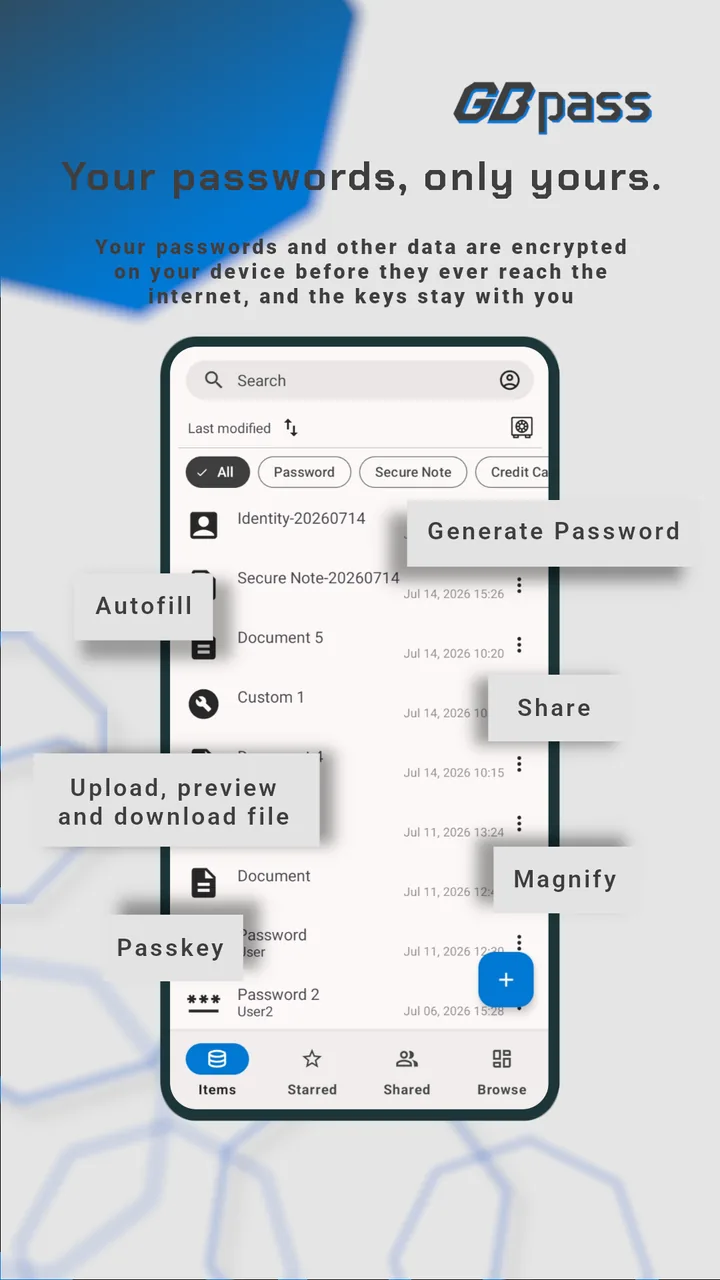
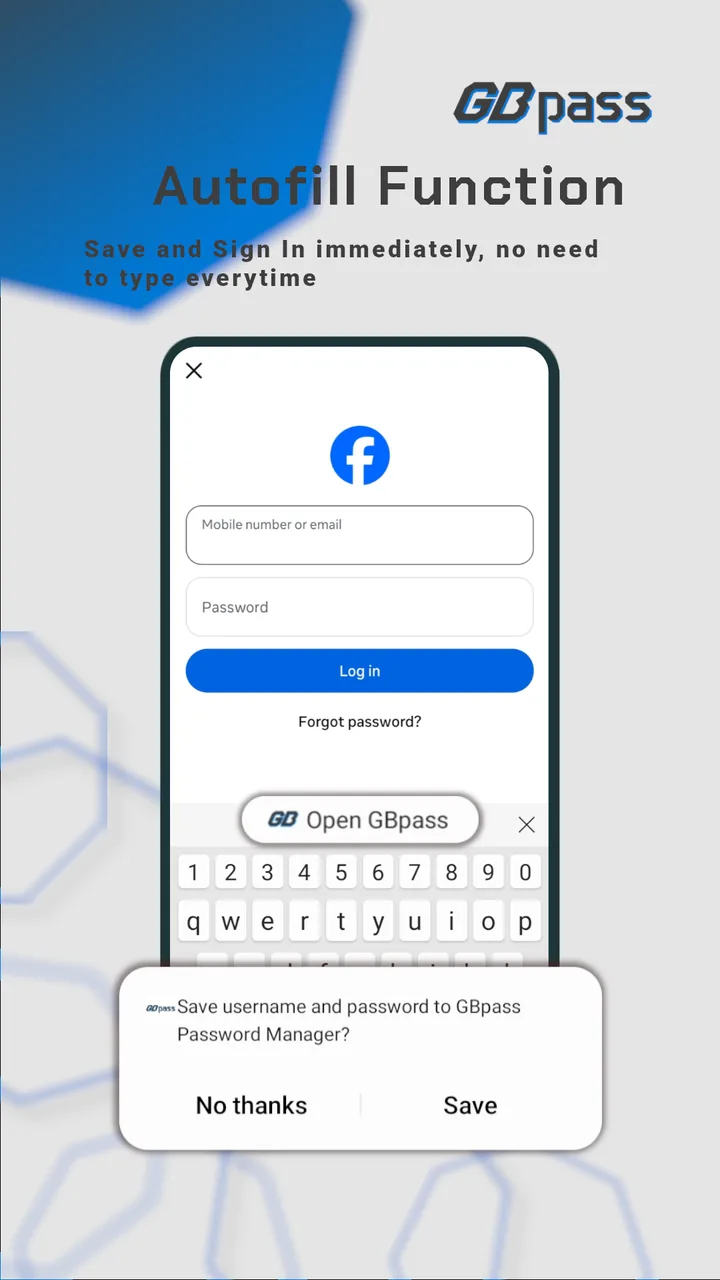
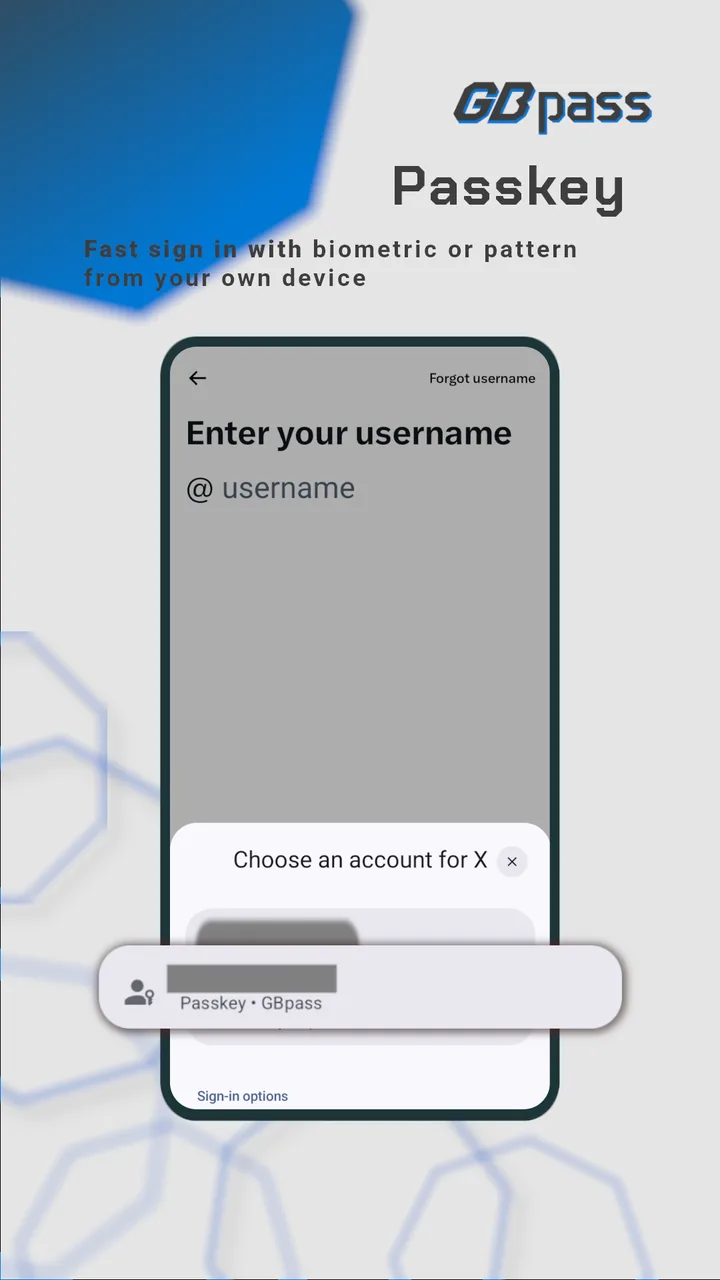
A quick tour on Android: autofill, passkeys, secure file storage and sharing.
Privacy
Nothing readable ever reaches us.
GBpass uses a zero-knowledge security model. Everything you store is encrypted on your device before it syncs, and your Master Password is never transmitted to or stored on our servers, so your data stays private even from the people who build GBpass.
Most cloud services keep the keys to what you store, so your data can be scanned, profiled, or handed over without you ever knowing. GBpass keeps no keys at all. If our servers were breached tomorrow, what an attacker would carry away is ciphertext, and a change of policy on our side could not make it readable either.
Learn how zero-knowledge encryption worksEven under a microscope, nothing readable.
Encryption
Sealed before it leaves your device.
Every piece of data stored in GBpass is encrypted with AES-256-GCM before leaving your device. The encryption keys are derived from your Master Password and Secret Key using Argon2 and PBKDF2.
Session keys are exchanged with ECDH X25519, so the channel between your device and our servers has forward secrecy as well.
Read the security guidePasswordless
Sign in with passkeys.
GBpass supports passkeys. Save them right alongside your passwords and use them to sign in to supported websites and apps, with no password to type or remember.
A passkey is built on public-key cryptography: the private key stays inside your encrypted vault, while only a public key is shared with the site you sign in to. Each passkey is tied to the exact site it was created for, so it can't be used on a fake or lookalike page.
Your private key never leaves your vault
Files & Attachments
Open your files without leaving the vault.
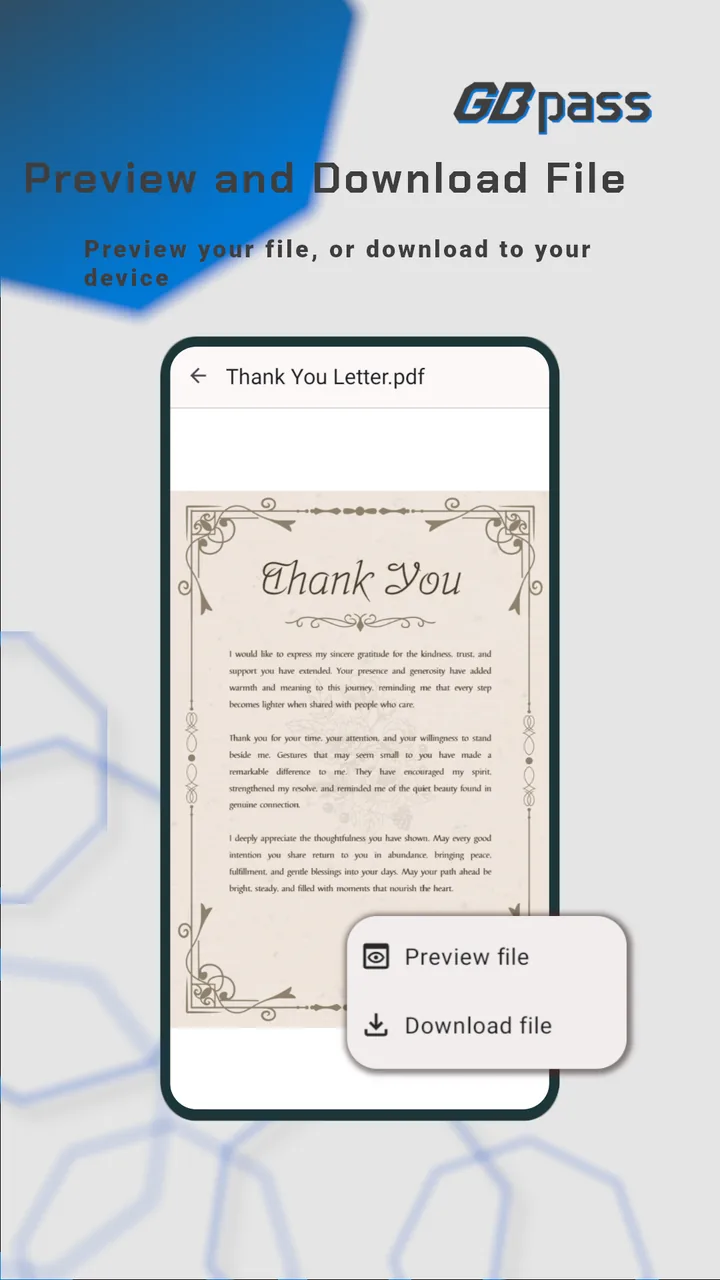
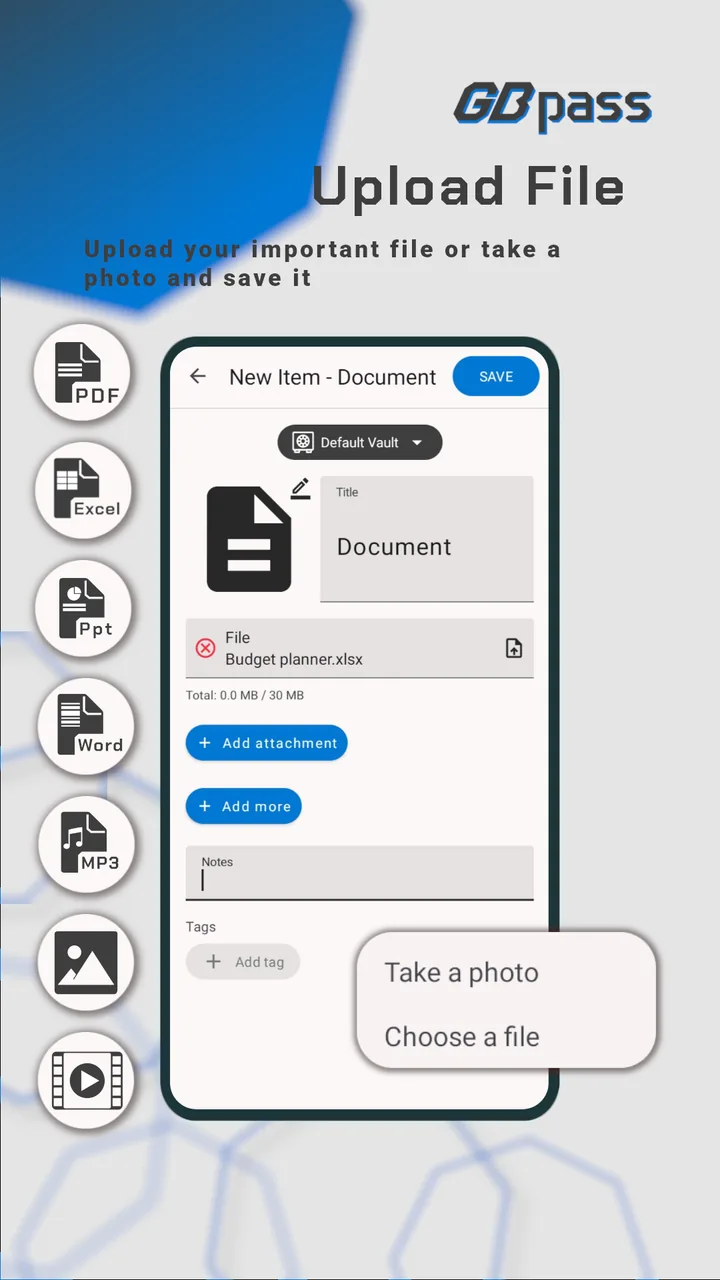
Attach files to any vault item and open them in place, with no third-party app involved and nothing leaving your encrypted vault. You can also download any attachment back to your device with a single tap.
Attachments are encrypted the same way as your passwords, in the vault and on the way out of it.
Images
JPG, PNG, GIF, WebP & more
Full-page PDF preview
Office
doc, docx, xls, xlsx, ppt, pptx
Audio
Built-in audio player
Video
Built-in video player
Secure Notes
Notes that render Markdown.
Secure Notes accept Markdown. Write headings, lists or code blocks and the app renders them. It's a good fit for runbooks, credentials context, setup instructions, or anything you want to keep private.
Like everything in GBpass, your notes are end-to-end encrypted. We couldn't read what you write even if we wanted to.
Markdown rendering supports
Access
Every device you sign in on.
Access your vault from any of your devices. GBpass syncs your encrypted data to every device you sign in on. There is no sync button; changes arrive in the background.
Each device is authenticated and registered on its own, so only devices you have signed in on can open your vault.
Phone
Tablet
Browser extension
Chrome, Firefox, Edge & Brave
Desktop
Coming soon
Experience
The details you use every day.
GBpass keeps the interface plain so the routine stays short: search, open, copy. These are the parts of it you touch most.
Search as you type
The list narrows with every character, and opening an item is one tap. You can sort by name, last modified or last created.
Biometric unlock and Auto Lock
Open the vault with your fingerprint or face instead of typing. Auto Lock closes it again immediately, or after 5 to 30 minutes, whichever you choose.
Magnify & typeface
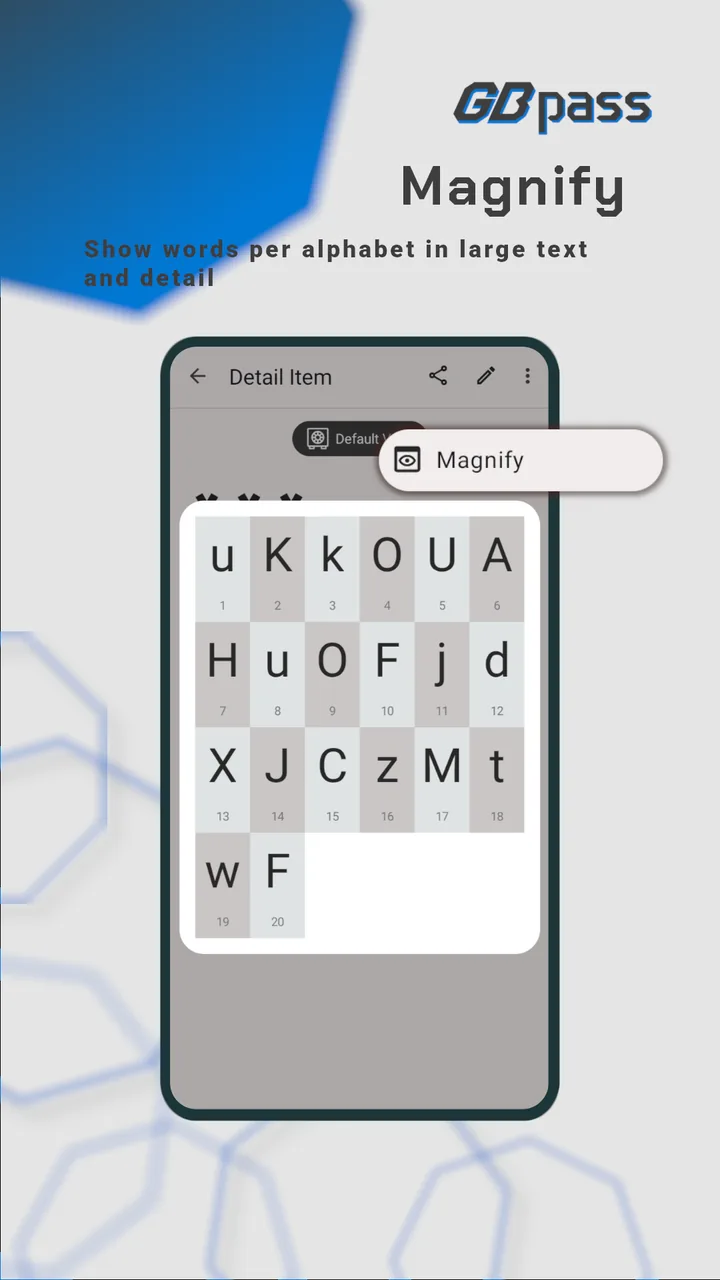
Zoom in on individual characters to distinguish between similar-looking letters. Preview per-letter typeface to ensure accuracy when reading complex passwords.
Organized vaults
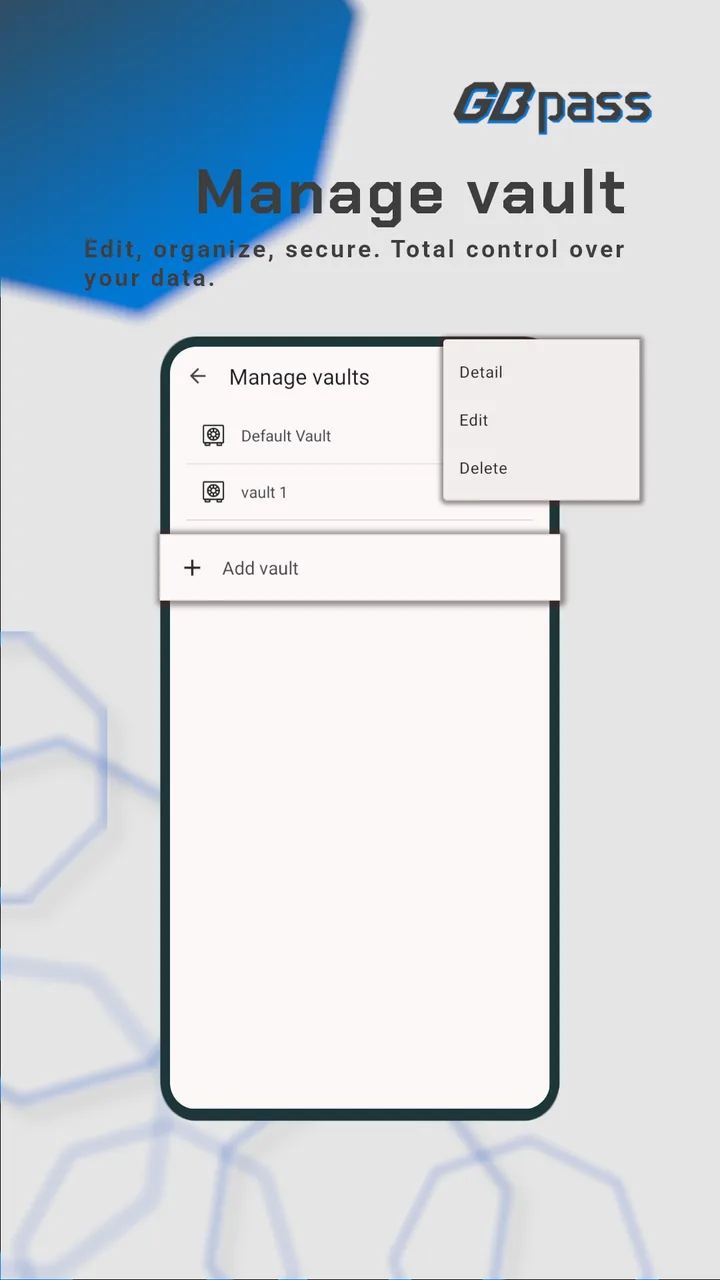
Create multiple vaults and categories to organize your passwords by context: work, personal, finance, or any custom grouping.
Secure sharing
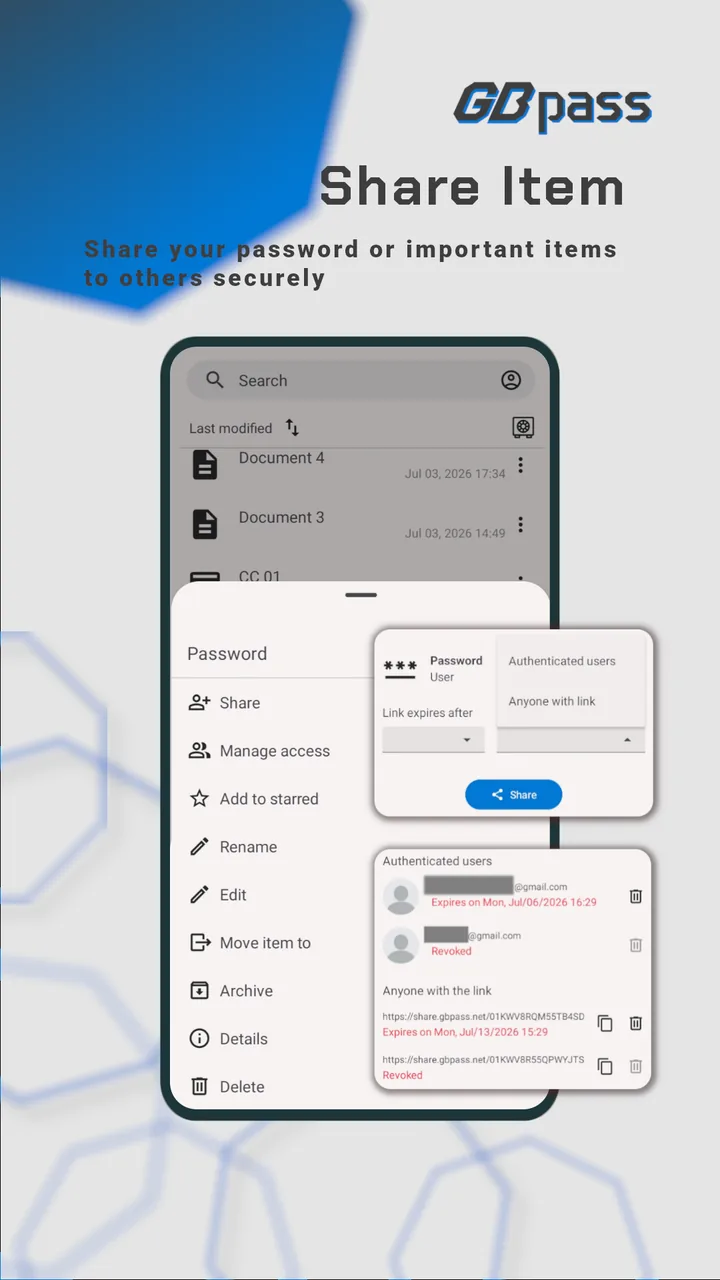
Share credentials securely with other GBpass users or via encrypted links. Full control over who can access what.
Star & archive
Mark frequently used credentials as favorites for quick access. Archive old items to keep your vault clean without losing data.